
Real encryption, not a hidden folder
Every photo and video is encrypted with AES-256-GCM before it enters the vault. Thumbnails, file names and album names are encrypted too.
Private · Encrypted · Offline
Photo Vault opens as a real, working calculator. Type your PIN and press = three times, and it opens an AES-256 encrypted vault for your photos and videos. Nothing ever leaves your phone.
Free · No ads · No account · Android 9 and newer
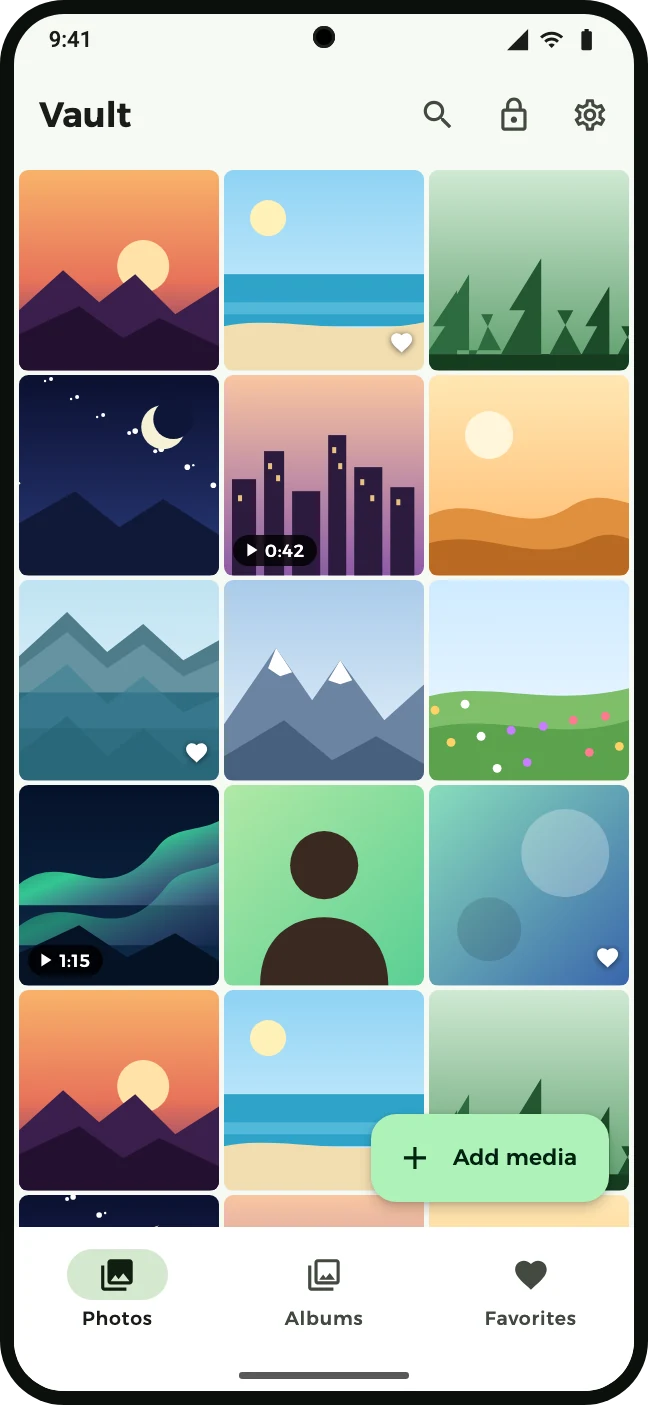
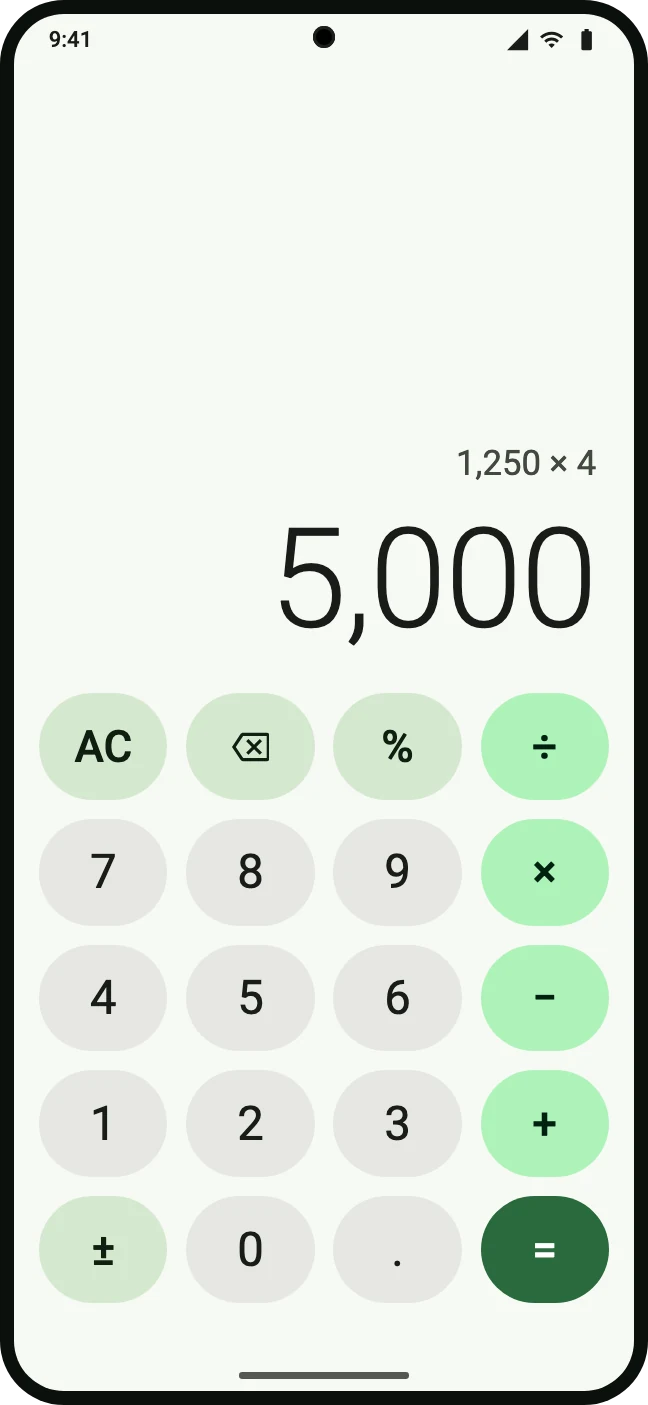
Three steps, no sign-up, no tutorial to remember.
The app starts as a working calculator: add, subtract, percentages, decimals. Turn on “Disguise as calculator” in Settings and it is named Calculator on your home screen, too.
On first launch you pick a 4–8 digit PIN. It is never stored; it protects the key that protects your vault. Optionally add fingerprint or face as a second step.
That is the whole secret handshake. The calculator becomes your vault. Tap the lock icon and it is a calculator again.
PIN → = = =
Built like a gallery app, locked like a safe.
Every photo and video is encrypted with AES-256-GCM before it enters the vault. Thumbnails, file names and album names are encrypted too.
The app has no internet permission at all. No cloud, no accounts, no analytics, no ads — it is technically unable to upload anything.
Organize privately. Deleted items wait in the trash until you empty it. Search by name, album, date or type — on the device only.
Pinch to zoom, swipe between items, see details. Videos play straight from the encrypted file; nothing is decrypted to disk.
Fingerprint or face as a second step after the PIN. Auto-lock immediately or after 30 s, 1 min or 5 min. Screenshots are blocked inside the vault.
Take any item back out of the vault. The decrypted copy is verified before anything is removed — the same way imports are verified before originals are deleted.
No marketing words — this is what actually protects your files.
No security is absolute. Keep a device lock enabled, keep your PIN private, and remember: there is no PIN recovery — by design, not even for us.
A hardware-backed Android Keystore key wraps a PIN-derived key, which wraps a random vault key, which derives a unique key for every file. Your PIN itself is never written anywhere.
Files are stored in chunked AES-256-GCM containers with an authenticated header. A tampered or corrupted file fails its integrity check instead of decrypting silently.
After four wrong PINs, every further attempt waits progressively longer — 30 seconds, one minute, two minutes, up to an hour. The vault is never wiped.
Android backups are disabled and extraction rules exclude everything, so encrypted files never end up in a cloud backup.
FLAG_SECURE blocks screenshots and screen recording inside the vault, and vault content is hidden from the recent-apps screen.
Every import is fully decrypted and checked before you are asked whether to remove the original. Restoring to the gallery works the same way in reverse.
The same screens you will see after installing.
A real calculator on the outside
Your photos, encrypted
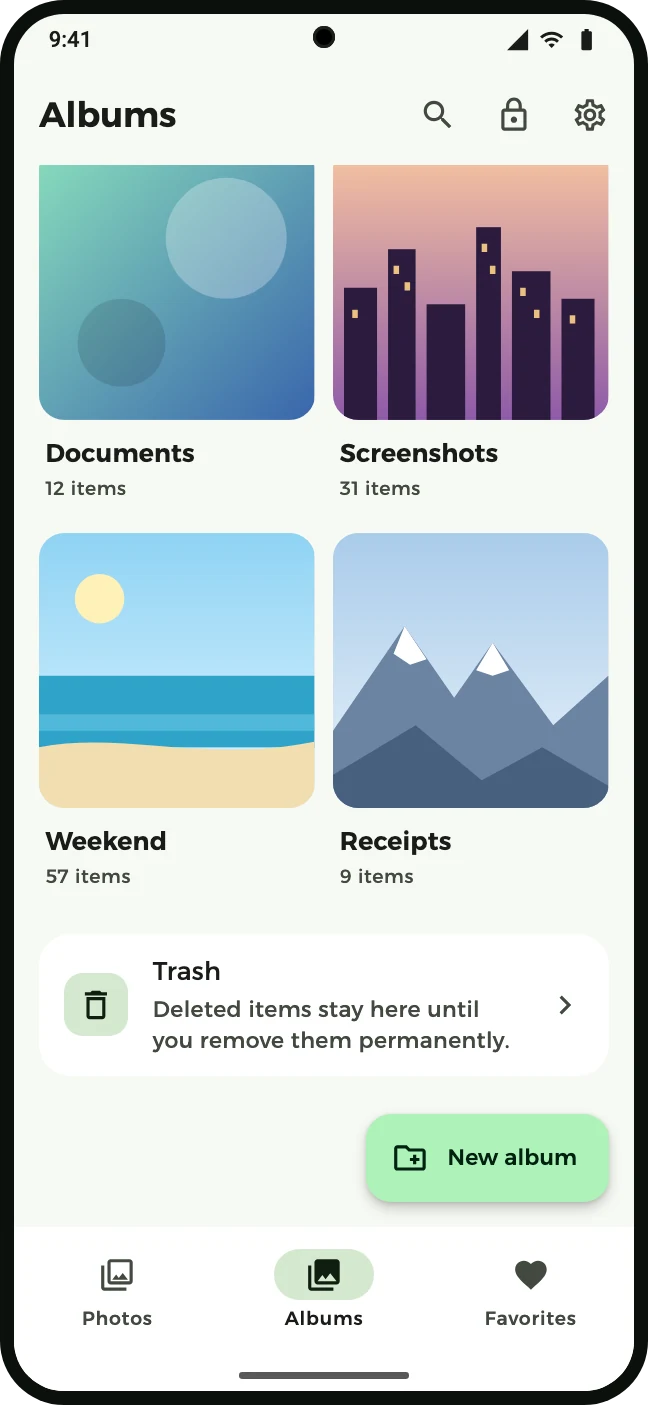
Albums, favorites and a safety net
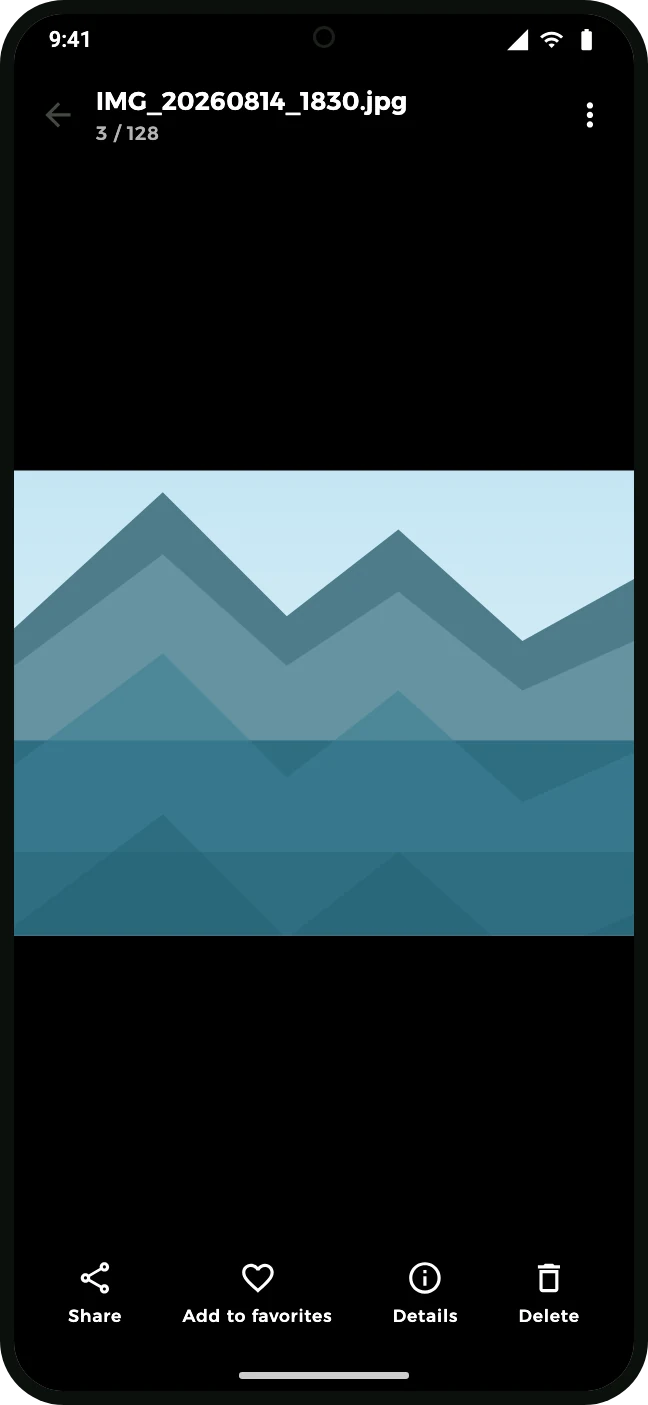
Zoom, swipe, play videos
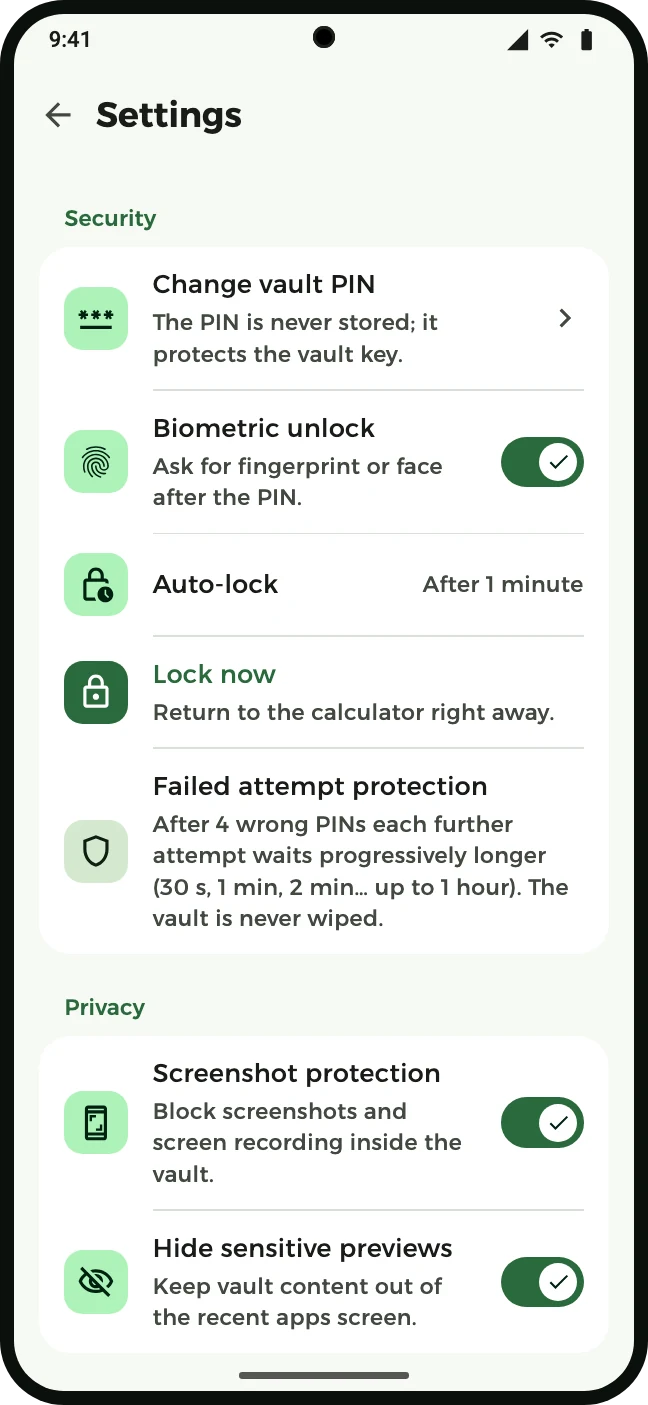
Locked down, your way
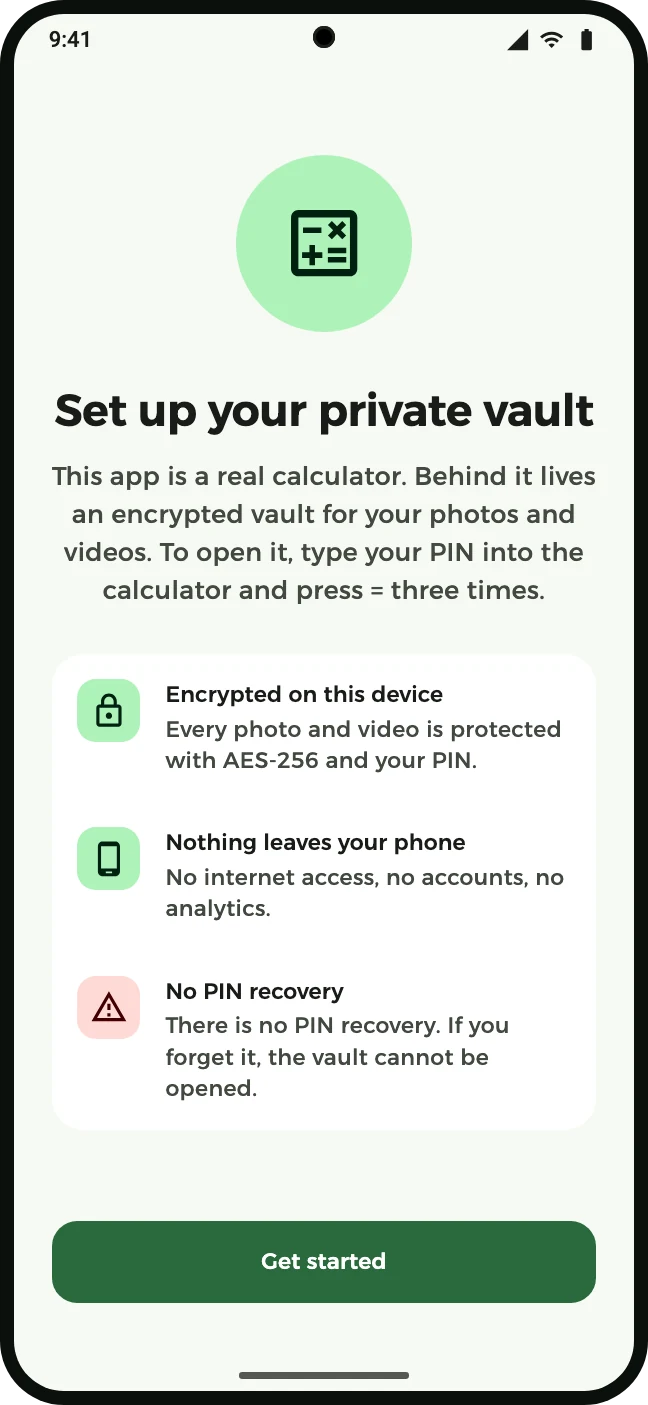
Nothing leaves your phone
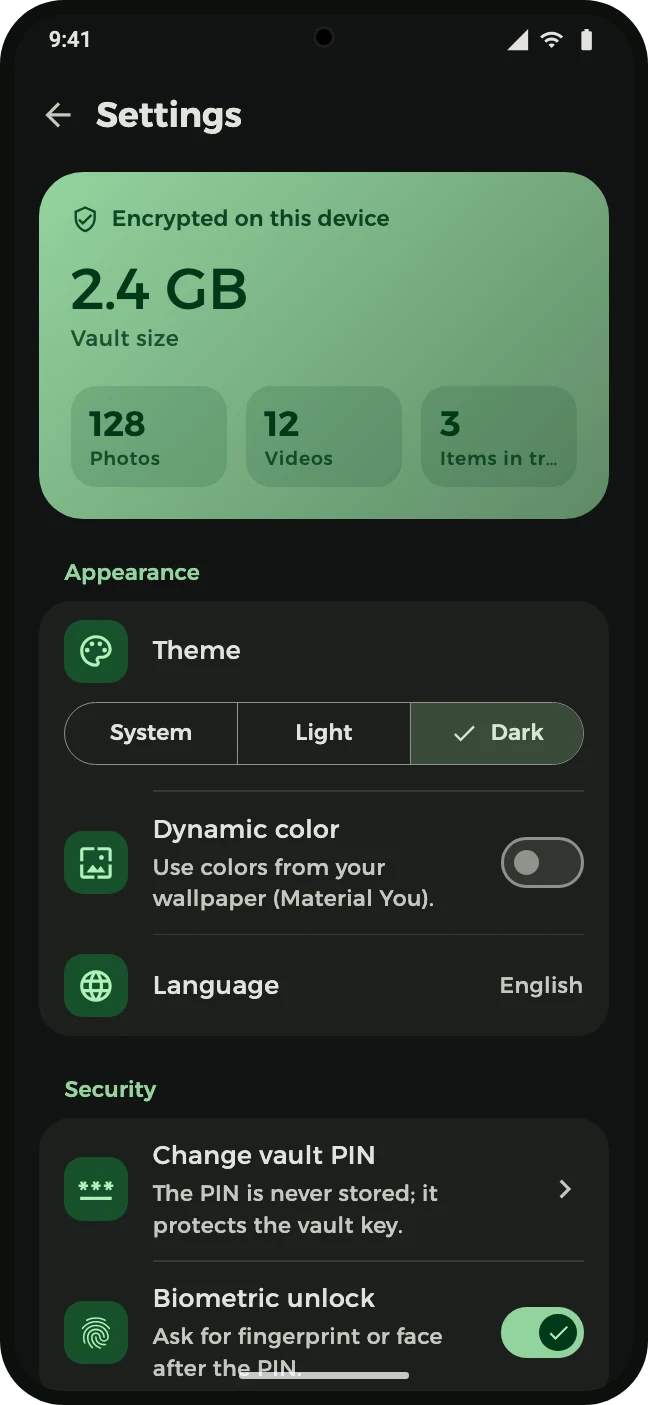
Light, dark and your language
The vault cannot be opened — by you or by anyone else, including us. This is deliberate: a recovery path would be a backdoor. Choose a PIN you will remember and, if in doubt, keep restoring important items to your gallery.
In the app's private storage on your phone, encrypted. No copy exists anywhere else. The app has no internet permission, so it cannot upload anything even if it wanted to.
The vault and its keys are deleted with it, and there is no backup. Use “Restore to gallery” first for anything you want to keep.
Yes, if you want. It installs as Photo Vault; turn on Settings → Privacy → “Disguise as calculator” and the home-screen name and icon become Calculator. Anyone scrolling through your apps sees a normal calculator, and it really works as one. The vault only appears after your PIN and pressing = three times.
No. Fingerprint or face is an optional second step after the PIN, never a replacement. Your biometric data never reaches the app — only the system's yes/no.
Android 9 (API 28) and newer. Android 9 is the floor because it brings the hardware-backed Keystore, platform BiometricPrompt and HEIF decoding the app relies on.
Free, no ads, no tracking, no in-app account. Photo Vault has nothing to sell about you.
Install Photo Vault and move your private pictures behind a calculator today.
play.google.com/store/apps/details?id=com.photovaultapp.app